

Videos de Ayuda


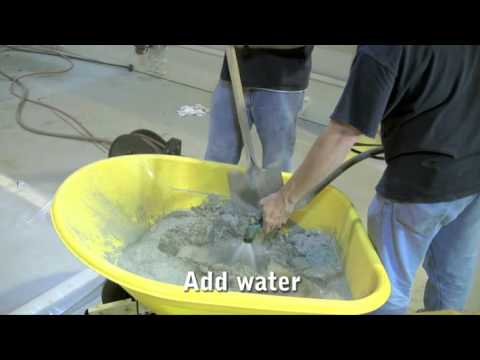


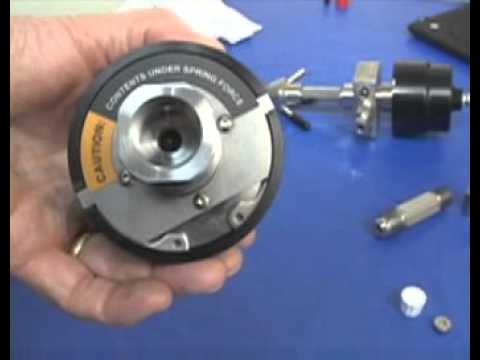


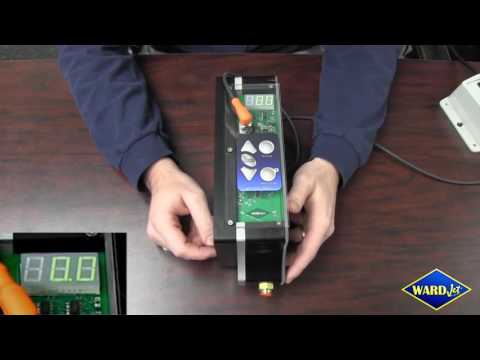


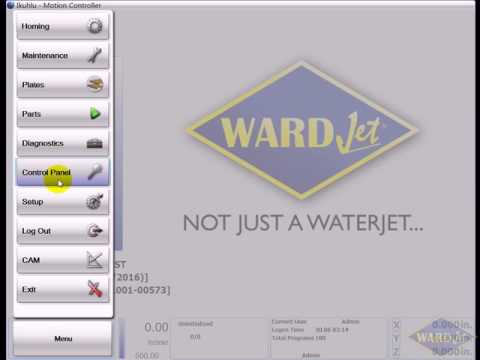
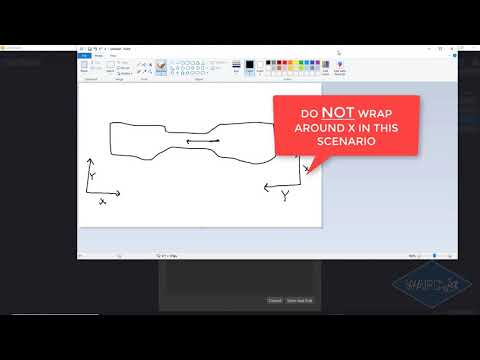
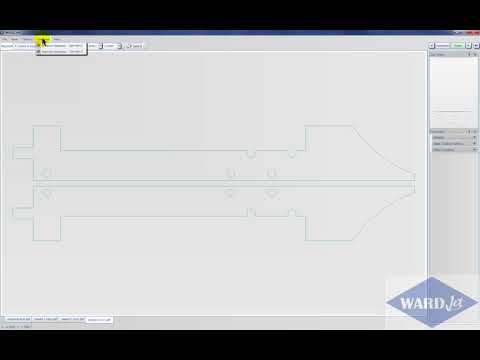
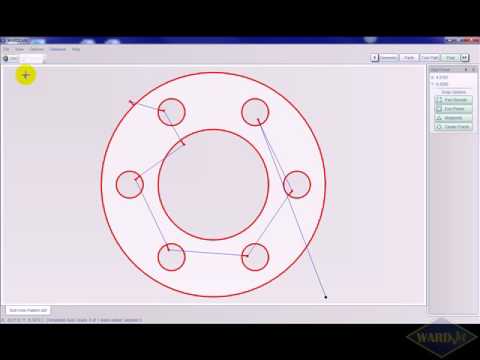
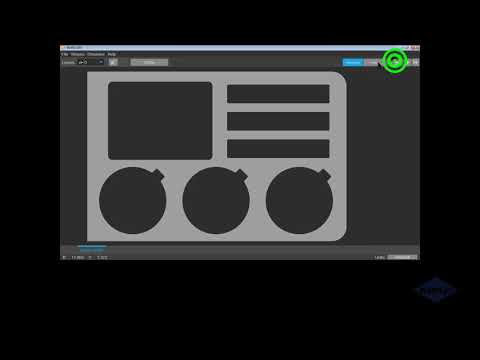
Una mirada en profundidad a cómo programar compensaciones de trabajo usando WARDCAM y nuestro controlador MOVE. Las compensaciones de trabajo son útiles cuando se corta el mismo programa varias veces en la misma ubicación.















Contáctenos
¿Listo para transformar sus capacidades de fabricación? Contacte a nuestro equipo para discutir sus necesidades de corte por chorro de agua.
Sede en EE.UU.
AXYZ Automation Group (AAG)
180 South Ave. PO Box 517 Tallmadge, OH 44278 EE.UU.
+1 (800) 361-3408 +1 (844) WARDJETPresencia Global
Con operaciones en más de 180 países, nunca estamos lejos para brindarle soporte y servicio de expertos.
Norteamérica
Europa
Asia-Pacífico
Medio Oriente
 Escríbenos
  Llámanos