

Vidéos d'assistance


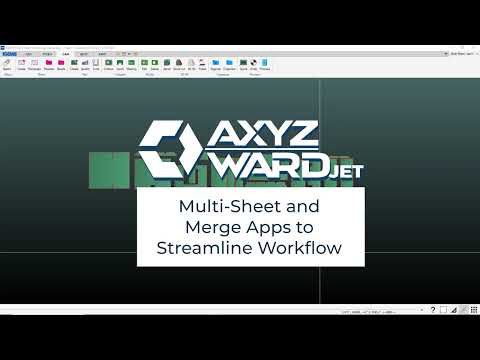
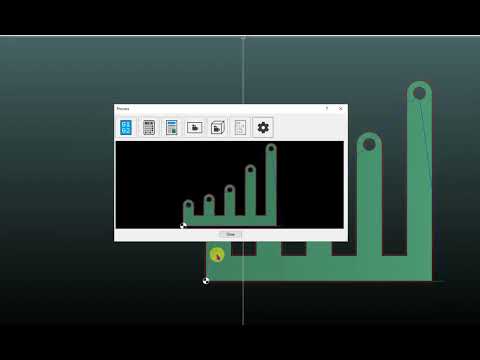
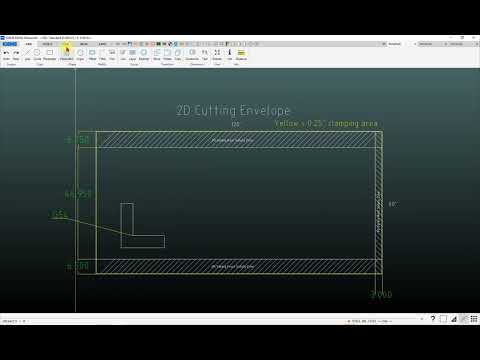
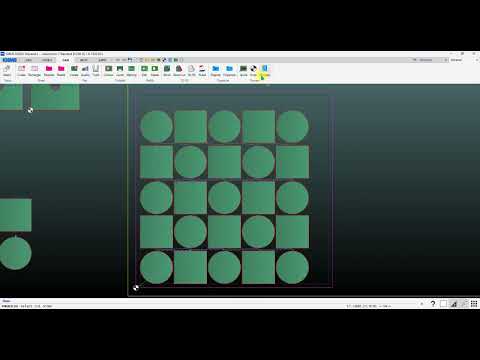
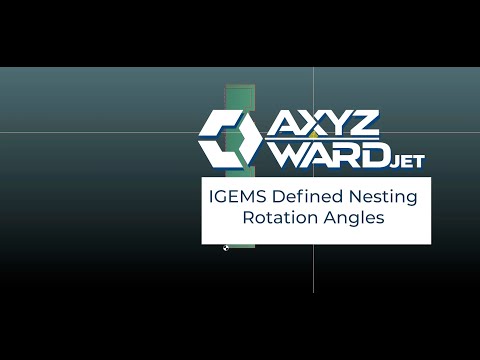
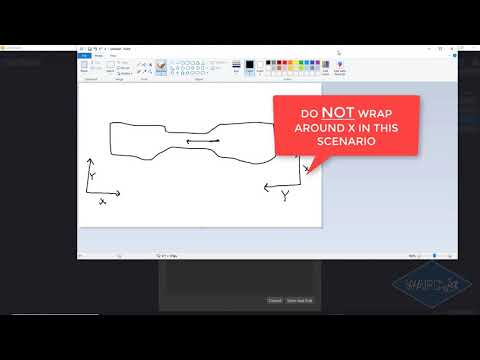
IGEMS has added a « User » option to the Rotation Step pull-down menu in the nesting area. When the User option is selected, an additional box is displayed in which you can type the angles that you want to allow for rotation. The numbers you type in here should be separated by a space (e.g. 0 90 180). This can be helpful when nesting 5-axis parts that will be cut with the APEX 60 in order to avoid rotations that might cause rewinds or singularities.






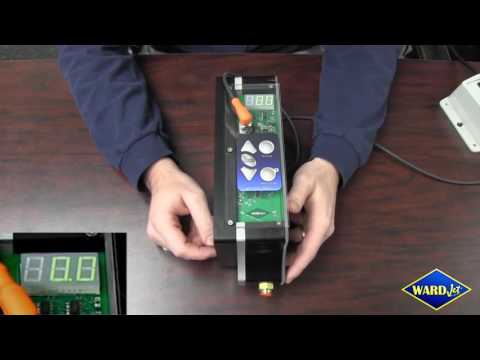


Un aperçu approfondi de la façon de programmer les décalages de travail à l’aide de WARDCAM et de notre contrôleur MOVE. Les décalages de travail sont pratiques lorsque vous coupez le même programme plusieurs fois au même endroit.














Entrer en contact
Joignez-vous à notre équipe
Nous sommes toujours à la recherche de personnes compétentes et passionnées par l'offre d'une expérience client exceptionnelle. Parlons!