


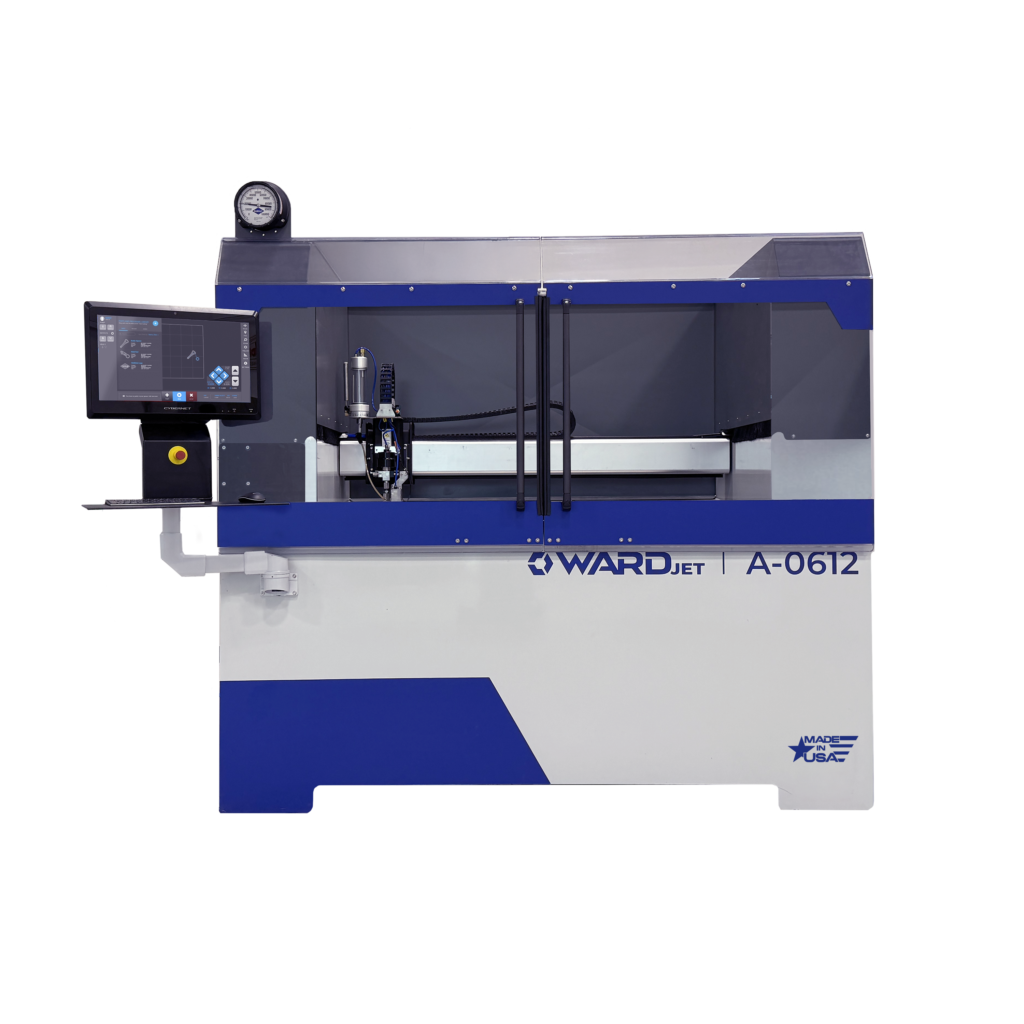
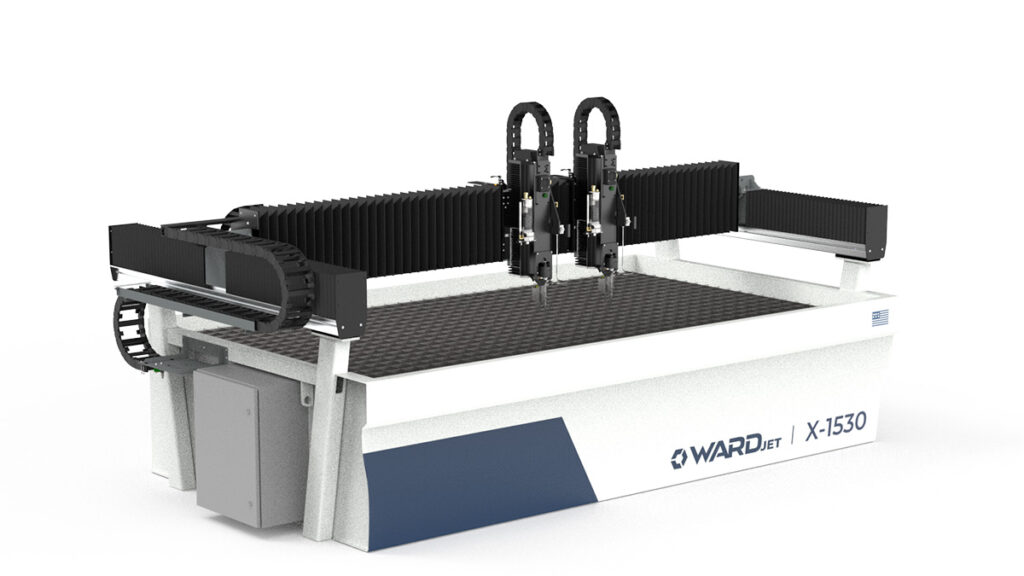
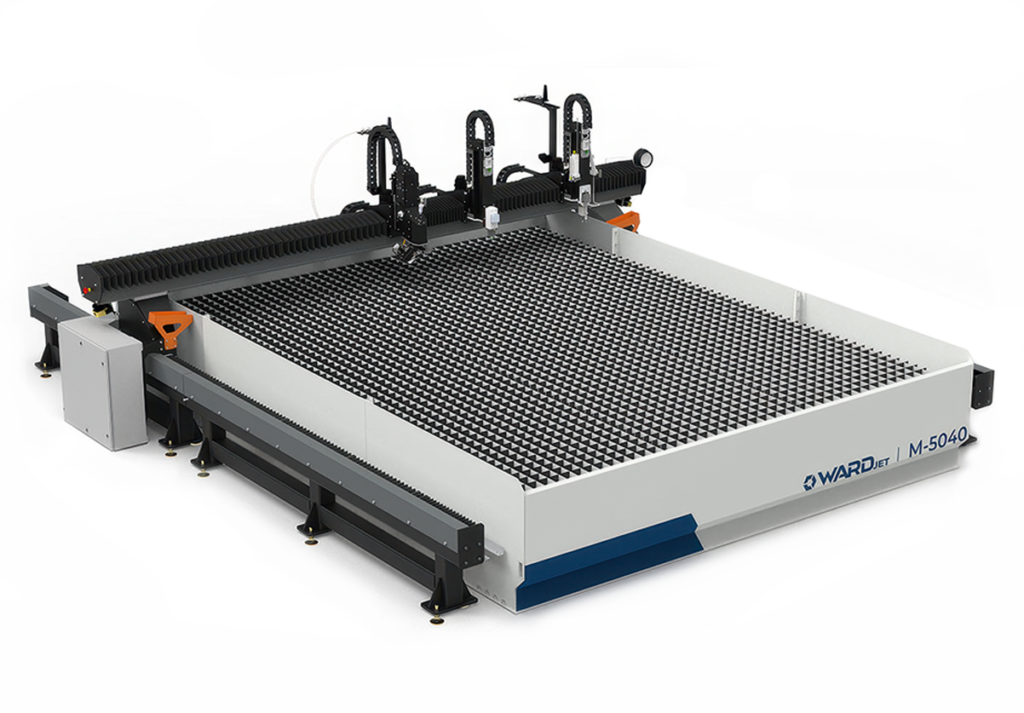
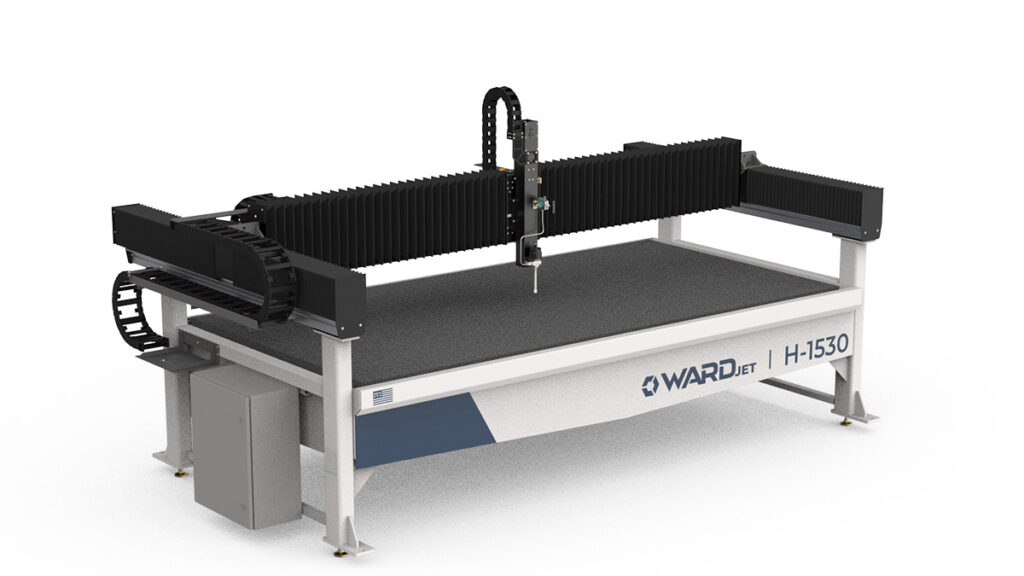
Take Control of Your Waterjet Workflow with WARDJet MOVE Software
In a busy fabrication environment, machine performance is only part of the equation. Real productivity comes from how efficiently operators can manage jobs, control equipment, organize parts, and keep production moving without unnecessary delays. That is where machine control software becomes a critical part of the cutting process.
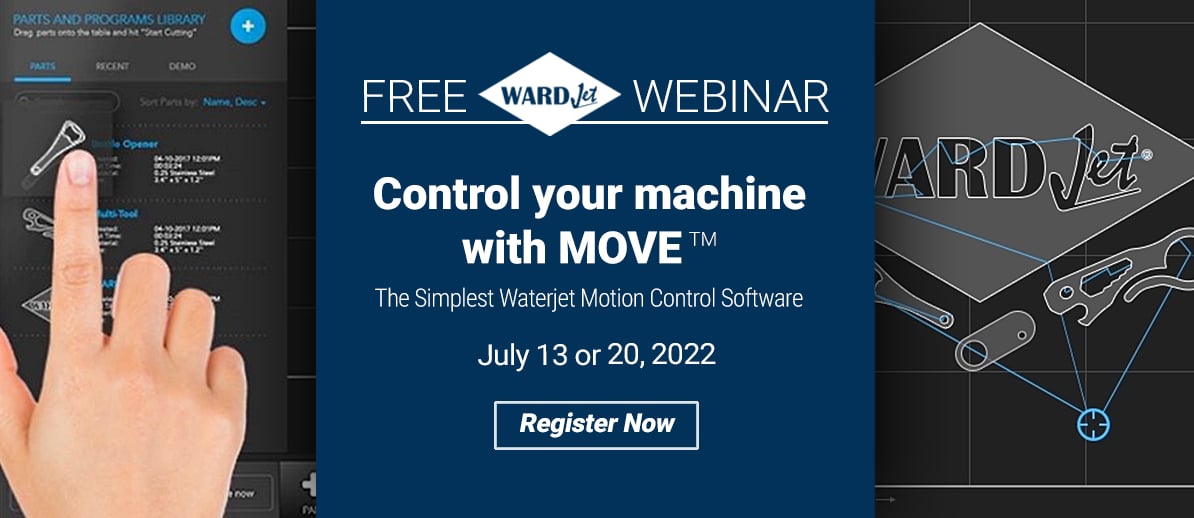
WARDJet’s MOVE software is designed to give manufacturers and fabricators a practical, operator-friendly way to run CNC waterjet cutting systems with greater precision and less friction. From pump control and cutting head management to part queuing, offsets, maintenance tracking, and user permissions, MOVE brings together the tools shops need to stay organized and productive from a single interface.
For machine operators, engineers, and production managers, understanding how to fully use control software can make the difference between a system that simply cuts parts and a system that truly supports streamlined manufacturing.
Why Waterjet Control Software Matters
Modern CNC waterjet cutting systems are capable of producing highly accurate parts across a wide range of materials, from metals and composites to stone, glass, foam, and plastics. But even the most capable machine can lose efficiency if the software driving it is difficult to navigate or lacks the features needed for day-to-day production.
Operators need more than a basic start-and-stop interface. They need a system that helps them:
- Load and organize part programs quickly
- Adjust machine settings with confidence
- Queue multiple jobs efficiently
- Track machine health and maintenance items
- Reduce setup time between runs
- Maintain consistency across shifts and operators
MOVE software addresses these needs by centralizing the key controls and production tools used on WARDJet CNC waterjet systems. The result is a more connected workflow that supports both simple jobs and more advanced production requirements.
Managing Pump and Cutting Head Outputs with Confidence
One of the most important elements of waterjet operation is control over the pump and cutting head outputs. MOVE gives operators direct access to these machine functions, allowing them to manage production settings from within the software interface.
This includes remote pump control, the ability to turn the waterjet pump on or off, and the use of low-pressure mode when needed. These capabilities are especially useful during setup, testing, and transition points in the cutting process. Instead of relying on disconnected steps or manual workarounds, operators can manage critical outputs in a more streamlined way.
The software also supports both automatic and manual cutting head output control. That flexibility matters because not every job is the same. Some applications demand highly standardized workflows, while others benefit from more direct operator intervention. By supporting both approaches, MOVE helps shops adapt their process to the material, part geometry, and production environment.
For shops using multi-carriage systems, additional control features further enhance flexibility and throughput.
Simplifying Part Setup and Program Management
Programming efficiency is a major factor in overall machine utilization. MOVE helps reduce setup bottlenecks by making it easier to load CNC files, manage part programs, and organize repeat work.
Operators can import new CNC files directly into the system and add parts from the CNC library with a straightforward workflow. Drag-and-drop functionality makes it easier to place and manage parts without overcomplicating the process. For many shops, this kind of usability can save valuable time over the course of a production day.
The software also supports part arrays, allowing operators to duplicate parts efficiently for repeat cutting. This is especially useful for production runs where multiple identical components need to be cut from a sheet. In addition, MOVE includes practical part options such as mirroring, rotation, and cycle settings, giving users more control over how jobs are prepared before cutting begins.
These capabilities are not just conveniences. They help reduce repetitive programming work, improve material usage planning, and support more consistent execution on the shop floor.
Using the Queue System to Keep Production Moving
In many manufacturing environments, downtime is not caused by machine limitations but by inefficient job transitions. MOVE’s queue function is built to help solve that problem.
With the queue system, operators can schedule multiple cutting jobs in sequence, reducing interruptions and making it easier to plan a full production cycle. Rather than handling one part at a time in a fragmented way, shops can build a more organized workflow that keeps the machine productive.
This is especially valuable for shops running mixed-part batches or working through a backlog of jobs. Operators can use the queue to combine parts, manage schedules, and move through cut files more strategically. When paired with manual nesting, the system also supports better use of table space and more deliberate production planning.
Visual indicators for part status add another layer of clarity. By showing whether parts are uncut, aborted, or completed, MOVE helps operators quickly understand where a job stands. That visibility can reduce confusion, improve communication between team members, and make it easier to recover from interruptions without losing track of progress.
Better Machine Movement and Setup Control
Accurate setup is essential in CNC waterjet cutting, especially when shops are working with fixtures, repeat jobs, or secondary operations. MOVE includes a set of machine movement and positioning tools that help operators handle these tasks more efficiently.
Jog controls and incremental movement tools allow for precise manual positioning of the machine. These functions are important during setup, alignment, and troubleshooting, giving operators a practical way to move the system with control and confidence.
The software also includes tools such as zoom, follow, ruler, and move functions, which improve visibility and navigation within the workspace. These features may seem simple, but they make a real difference when users need to verify part placement, inspect cutting paths, or refine setup details.
Work offsets and saved table positions are another important advantage. For shops using fixtures or repeat setups, the ability to store positions and apply offsets supports faster changeovers and more repeatable results. Instead of recreating the same reference points each time, operators can build a more structured workflow around known machine positions.
Supporting Maintenance and Long-Term Performance
Efficient production depends on more than just running jobs. It also depends on maintaining the health of the system over time. MOVE helps support this through built-in maintenance and consumables tracking.
Inside the maintenance tab, users can monitor consumable usage and stay aware of service-related items that affect machine performance. This kind of visibility can help prevent avoidable downtime and support more proactive maintenance habits.
For production managers and operators alike, having maintenance information accessible within the same software environment as cutting operations creates a stronger connection between daily use and long-term equipment care. It encourages a more disciplined approach to upkeep, which is essential for maintaining consistent cut quality and machine reliability.
User Permissions, Settings, and Shop-Level Control
Not every user in a shop needs the same level of access. MOVE includes permission settings that help manufacturers manage who can access certain controls and system information. This is especially useful in facilities with multiple operators, varying experience levels, or standardized training requirements.
By assigning user permissions thoughtfully, shops can reduce the risk of accidental changes, protect critical settings, and create a more structured operating environment. This supports both efficiency and accountability.
Additional settings tools, measurement modes, and features like auto play queue further extend the software’s usefulness. Together, these options allow shops to tailor the system to their workflow, whether they are focused on high-mix custom work, repeat production, or operator training.
The Bigger Impact on Waterjet Operations
What makes MOVE software valuable is not just one feature, but how the features work together. It acts as a central control point for machine operation, job organization, setup, and maintenance, helping manufacturers create a more efficient and repeatable workflow.
For fabricators and production teams, the benefits are clear:
- Faster job setup and file handling
- Improved organization of parts and production queues
- Better machine control during operation and setup
- More repeatable workflows through offsets and saved positions
- Stronger maintenance visibility for reliable performance
- Enhanced shop control through user permissions and system settings
In a competitive manufacturing environment, these improvements add up. They help shops reduce wasted time, improve throughput, and get more value from their CNC waterjet systems.
Final Thoughts
WARDJet MOVE software is built to do more than operate a machine. It is designed to help manufacturers run smarter, more organized, and more efficient waterjet cutting operations. By combining machine controls, part management, queue scheduling, setup tools, maintenance tracking, and user management in one interface, MOVE gives shops the kind of operational visibility and control that modern production demands.
For anyone looking to improve daily waterjet workflows, reduce setup friction, and maintain consistent cutting performance, a deeper understanding of MOVE software can deliver immediate practical value.
👉 Learn more, request a demo, or get support from the WARDJet team:
https://www.wardjet.com/get-a-quote/