
From Photo to Precision: How to Create Custom Toolbox Foam Inserts with a CNC Waterjet
An organized toolbox does more than look professional. In a busy shop, it saves time, reduces frustration, helps protect valuable tools, and makes it immediately obvious when something is missing. But creating a durable, precise foam insert that actually fits your tools can feel like a tedious process—especially if you assume it requires complex CAD work or specialized programming from the start.
That is where CNC waterjet technology offers a practical advantage.
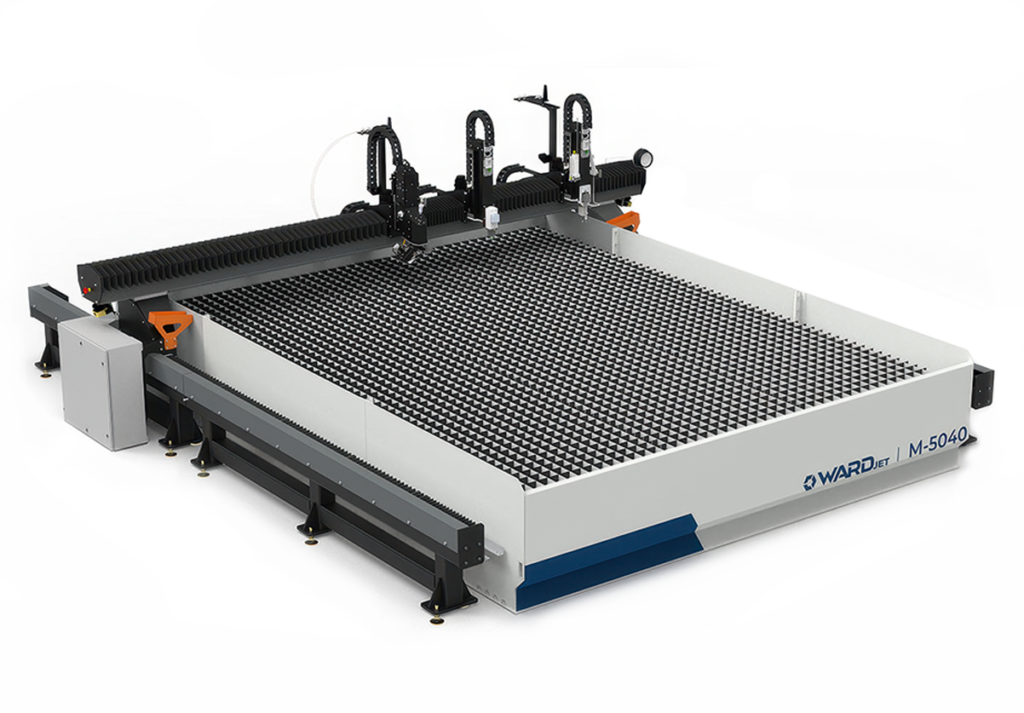
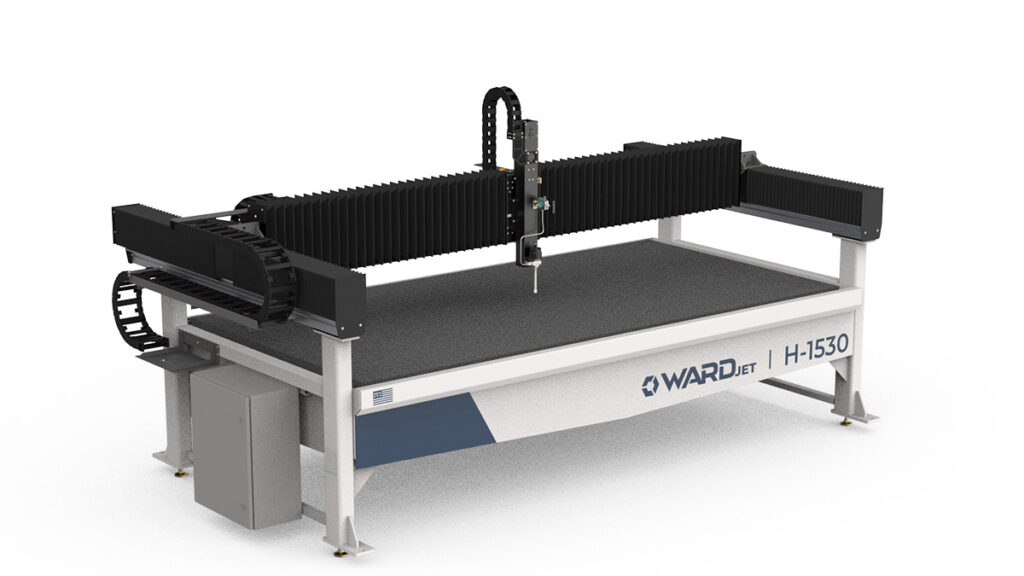
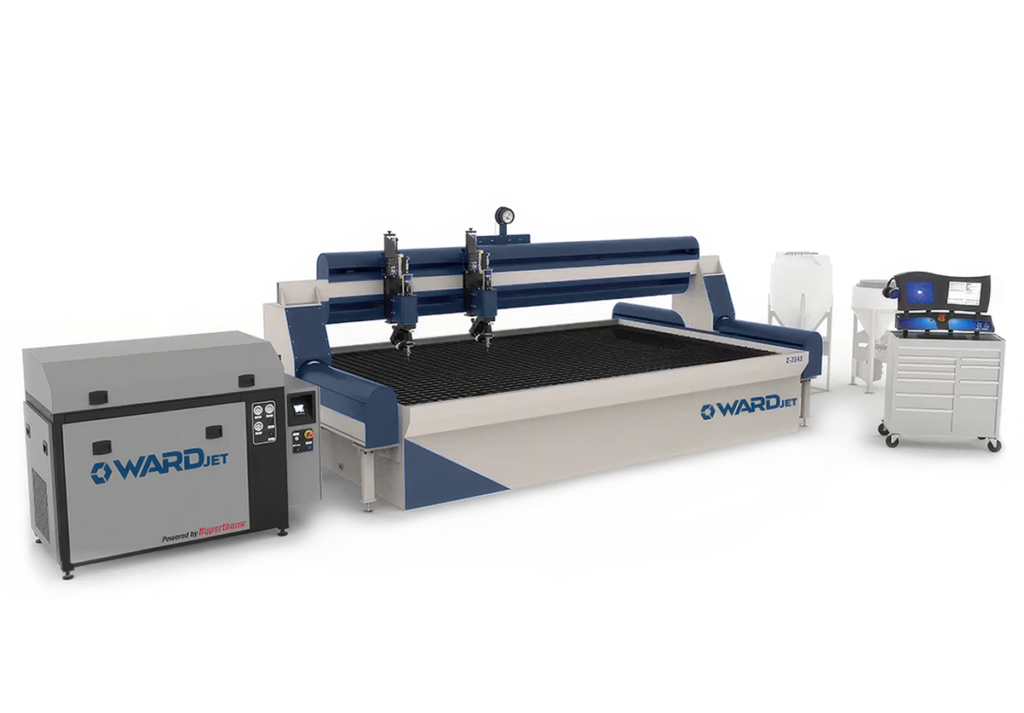
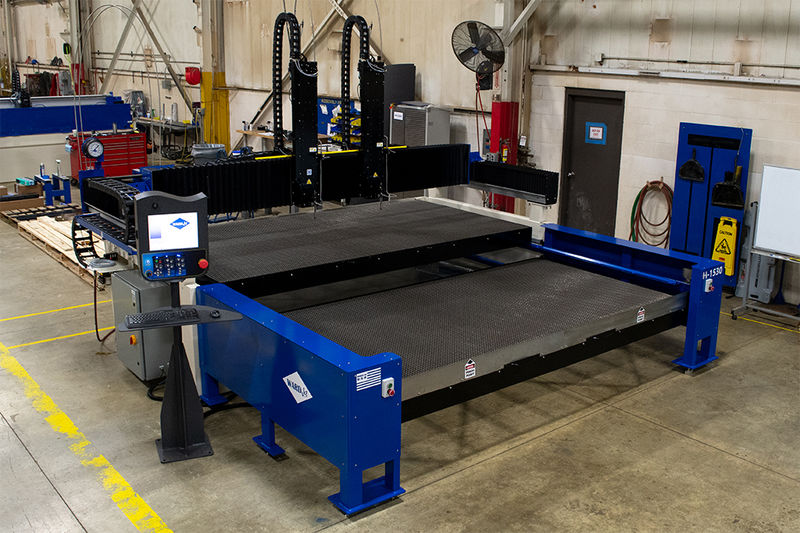
By combining simple image-based design methods with powerful CAD/CAM tools, manufacturers and fabricators can create custom toolbox foam inserts quickly and accurately. In this application, WARDJet Application Specialist Chris demonstrates how a basic photo of tools can be transformed into cut-ready geometry, programmed in IGEMS CAD/CAM software, and produced on a WARDJet M Series waterjet system using lightweight crosslink foam.
The result is a clean, professional storage solution that improves workflow and showcases just how versatile waterjet cutting can be for soft materials and custom organizational products.
Why Custom Foam Inserts Matter in Industrial Environments
In manufacturing and fabrication settings, tools are constantly moving between benches, machines, maintenance carts, and job sites. Without a dedicated storage system, tools can be misplaced, damaged, or left behind. That leads to wasted motion, unnecessary replacement costs, and avoidable downtime.
Custom foam inserts solve several problems at once. They help standardize tool storage, protect tools from impact and abrasion, and create a visual system for accountability. For maintenance teams, machine operators, and shop supervisors, that level of organization can support lean practices and improve daily efficiency.
The challenge has traditionally been creating inserts that are both accurate and easy to produce. This is especially true when shops need one-off designs, small batches, or custom layouts for specialized tool sets. With the right software and a flexible waterjet system, however, the process becomes much more approachable.
Turning a Simple Photo into Usable CAD Geometry
One of the most practical parts of this workflow is how it begins: with a simple JPEG image of the tools.
Instead of starting from scratch in CAD, the tools are photographed and brought into WARDJet’s IGEMS CAD/CAM software. From there, image tracing tools are used to extract the outlines needed for cutting. This dramatically simplifies the design process for users who may not have advanced CAD experience but still need an accurate finished result.
Using IGEMS, the image can be traced into workable geometry that represents the profile of each tool. This allows the user to build insert pockets that match the actual shapes of the tools being stored. For shops that need to move quickly, this is a major benefit. A picture becomes the foundation of a practical manufacturing file.
Refining the Geometry for Better Results
Once the image is traced, the next step is cleanup and refinement. Imported image geometry is rarely perfect on the first pass, so this stage is critical for achieving a professional result.
Chris demonstrates how tools such as Trace, Edge Fix, and scaling functions inside IGEMS help improve the quality of the outlines. Edge cleanup removes irregularities and smooths the contours so the cut path will be clean and accurate. Scaling ensures the geometry matches the real-world size of the tool rather than just the proportions seen in the photo.
This is where good software support makes a real difference. Rather than forcing users into overly manual redraw work, IGEMS provides efficient tools for correcting edges, refining curves, and preparing geometry that is ready for production.
The presentation also shows that there are multiple ways to build the design. In addition to tracing from photos, users can create outlines from marker drawings or convert JPEG files to DXF through alternative workflows. That flexibility is valuable in real shops, where design input may come from different sources depending on the urgency and the application.
Designing the Layout for Function and Appearance
Creating the outline of each tool is only part of the job. The insert also needs to be arranged in a way that is functional, space-efficient, and easy to use.
Spacing between tools, orientation of parts, and overall foam layout all affect the finished product. A well-designed insert should allow tools to be removed and returned comfortably without wasting space. It should also present the tools clearly, especially if the insert is being used in a production, maintenance, or field-service environment.
This step highlights an important advantage of digital design. Before any material is cut, users can optimize placement, adjust dimensions, and improve the overall layout. That reduces trial and error and helps ensure the final insert fits both the toolbox and the workflow.
Preparing Toolpaths for Waterjet Cutting
After the design is finalized, the next stage is creating toolpaths for the waterjet system. Even when cutting a soft material like crosslink foam, thoughtful toolpath preparation matters.
Geometry optimization helps produce smoother cutting motion and cleaner part quality. Proper path sequencing also improves efficiency and reduces unnecessary travel. For users who may associate waterjet cutting mostly with metal or stone, this application is a useful reminder that the technology is highly adaptable.
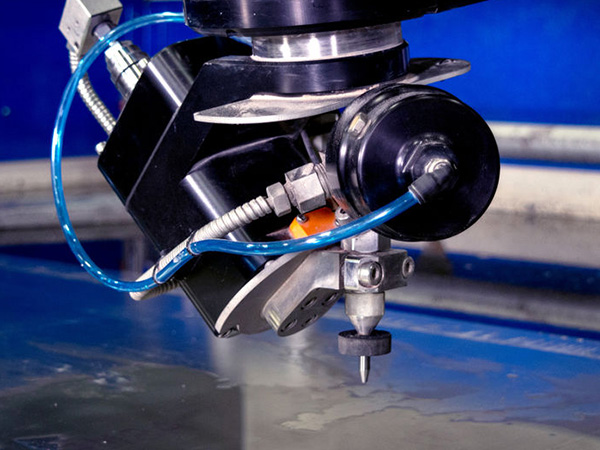
Foam is lightweight and relatively easy to process, but it still benefits from precise, CNC-controlled cutting. Waterjet cutting allows complex shapes to be produced cleanly without crushing or distorting the material the way some mechanical methods might. For custom inserts with detailed contours, that accuracy is especially important.
Cutting Crosslink Foam on the WARDJet M Series
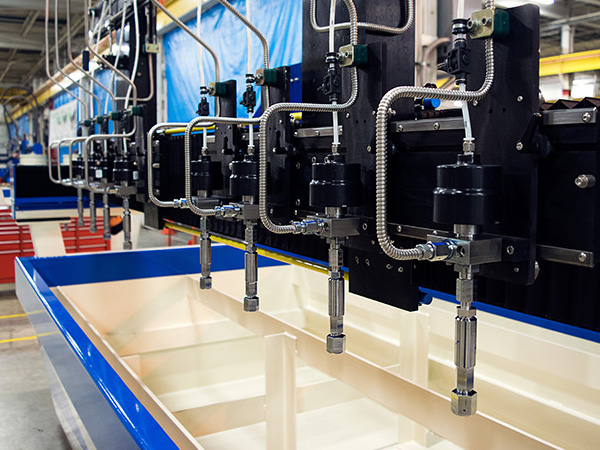
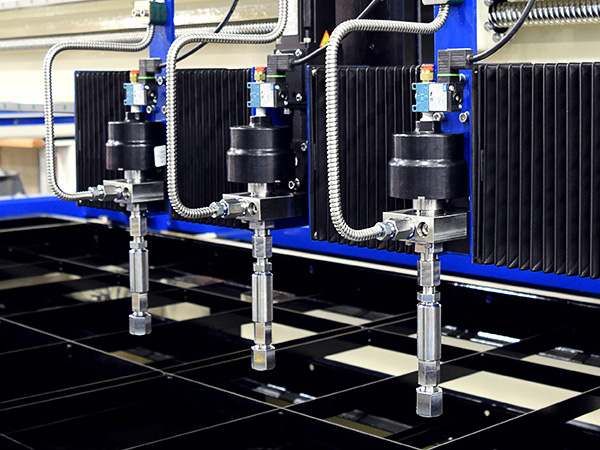
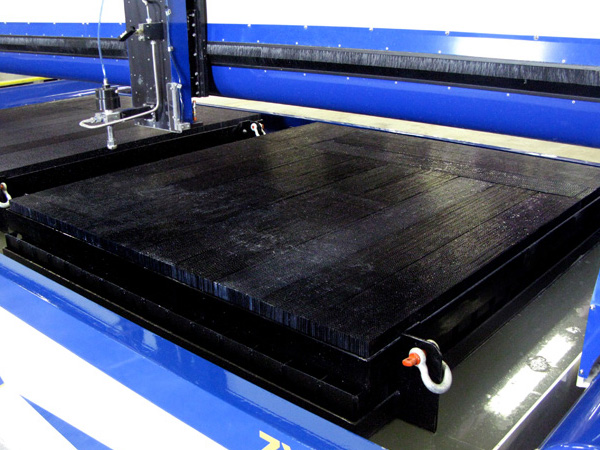
The live cutting portion of the presentation brings the process together. Using a WARDJet M Series waterjet system, Chris demonstrates how the prepared design is cut from lightweight crosslink foam.
This material is well suited for protective inserts because it is durable, clean in appearance, and capable of holding detailed cavities for tools and components. The WARDJet M Series provides the control needed to process the foam accurately while supporting a workflow that is repeatable and scalable.
For manufacturers and shop owners, this is where the business value becomes clear. A system that can cut metal, composites, rubber, plastic, and foam opens the door to a wide range of applications beyond traditional parts production. Custom packaging, dunnage, protective inserts, and shop organization products can all become viable in-house projects.
That kind of flexibility can help shops respond faster to internal needs and customer requests alike.
Building a Multi-Layer Foam Insert
After the cut is complete, the insert is assembled using multiple foam layers. The tool-shaped cut layer is combined with a base layer to create depth and structure, then adhesive is applied to bond the sections together.
This layered approach is a practical method for producing inserts that securely cradle tools while maintaining a clean, finished look. Once assembled, the tools can be loaded into the insert, revealing a custom storage solution that is both visually organized and highly functional.
The final result demonstrates how a relatively simple workflow can produce a polished product suitable for professional shop use.
Key Benefits of This Workflow
This application offers several clear advantages for manufacturers, fabricators, and industrial teams:
Faster Design from Simple Inputs
A basic photo can become the starting point for a cut-ready insert design, reducing the time and effort required to model each tool manually.
Improved Tool Organization
Custom-cut foam inserts create a dedicated place for every tool, making workspaces cleaner and more efficient.
Better Tool Protection
Foam cavities help protect tools from impact, abrasion, and unnecessary movement during storage or transport.
Flexible Programming Options
With tools like Trace, Edge Fix, scaling, and alternate JPEG-to-DXF workflows, users have multiple ways to create usable geometry.
Expanded Use of Waterjet Systems
This application shows how a waterjet can support more than heavy industrial cutting by handling soft, lightweight materials with precision.
A Practical Example of Waterjet Versatility
For many shops, waterjet technology is already valued for its ability to cut a wide range of materials with high precision. What makes this foam insert example especially compelling is how it expands that conversation beyond traditional production parts.
It shows that waterjet systems can also support internal process improvements, custom organization projects, and low-volume specialty work. That kind of versatility matters in modern manufacturing, where efficiency, adaptability, and smart use of equipment all contribute to competitiveness.
Whether the goal is improving 5S practices, creating better storage for maintenance tools, or offering custom foam products to customers, this workflow provides a practical model for turning simple ideas into finished results.
Final Thoughts
Creating a custom toolbox foam insert no longer has to be a slow or complicated project. With a straightforward photo-based workflow, the right CAD/CAM tools, and a capable CNC waterjet system, shops can move from concept to finished insert with impressive speed and accuracy.
From tracing tool outlines in IGEMS to refining geometry, generating toolpaths, cutting crosslink foam, and assembling layered inserts, this process demonstrates a highly effective use of waterjet technology for organization and lightweight material processing.
For manufacturers, fabricators, engineers, and shop owners, it is a strong example of how digital design and CNC cutting can solve everyday operational challenges in a clean, practical way.
👉 Learn more, request a demo, or get support from the WARDJet team:
https://www.wardjet.com/get-a-quote/